
01
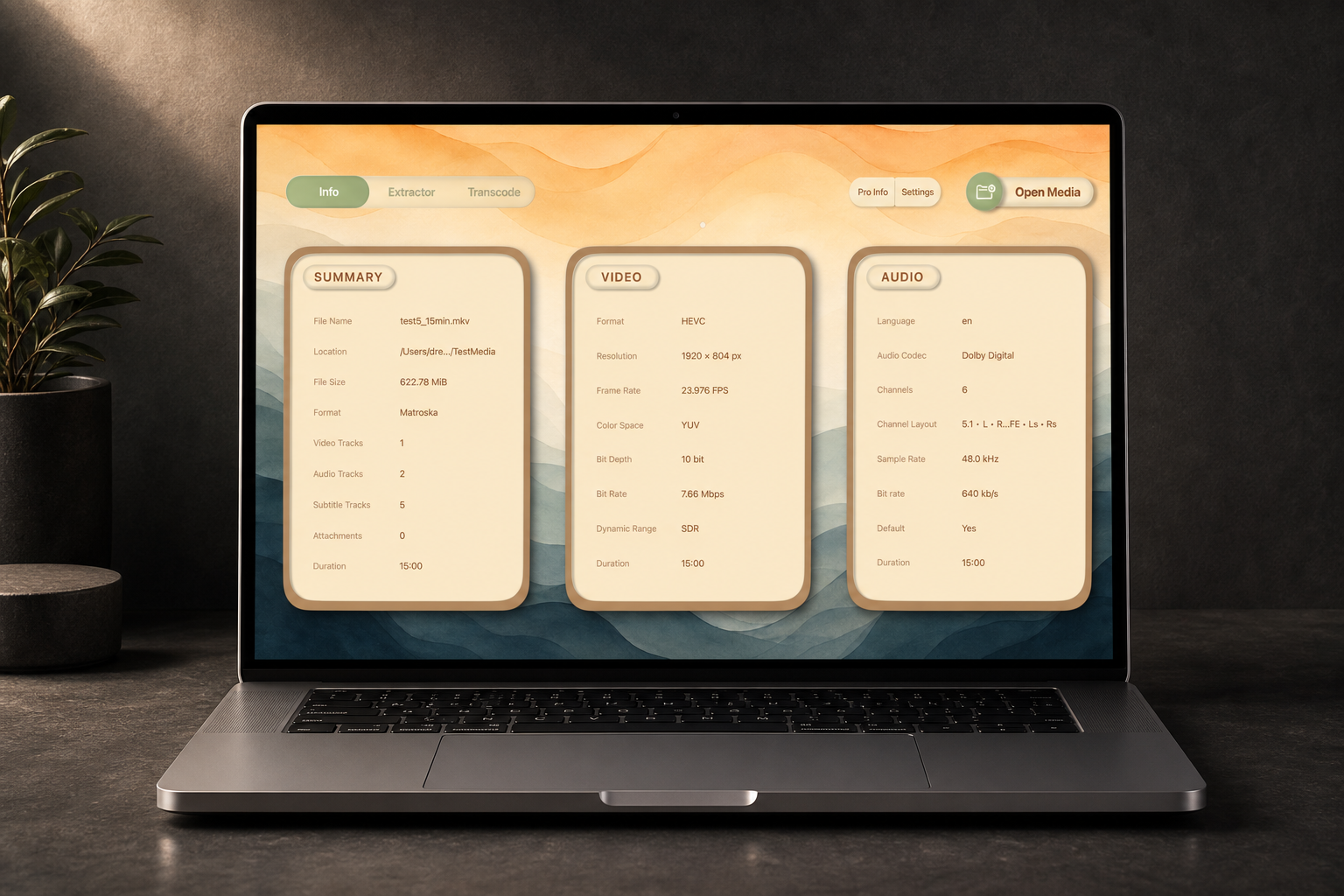
Inspect
See container, codec, stream, HDR, audio, subtitle, and attachment details in one clean view.
Creator Media Workflow
Available in 12 UI languages
Pain points
DreamWorkshop brings media inspection, extraction, transcoding, and batch processing into one clean local workflow.
Ugly interfaces made for engineers, not creators.
Too many scattered tools for one media job.
Command-line options that are powerful but hard to remember.
Repeated jobs that should not require scripts.
Workflow / Features
01
See container, codec, stream, HDR, audio, subtitle, and attachment details in one clean view.
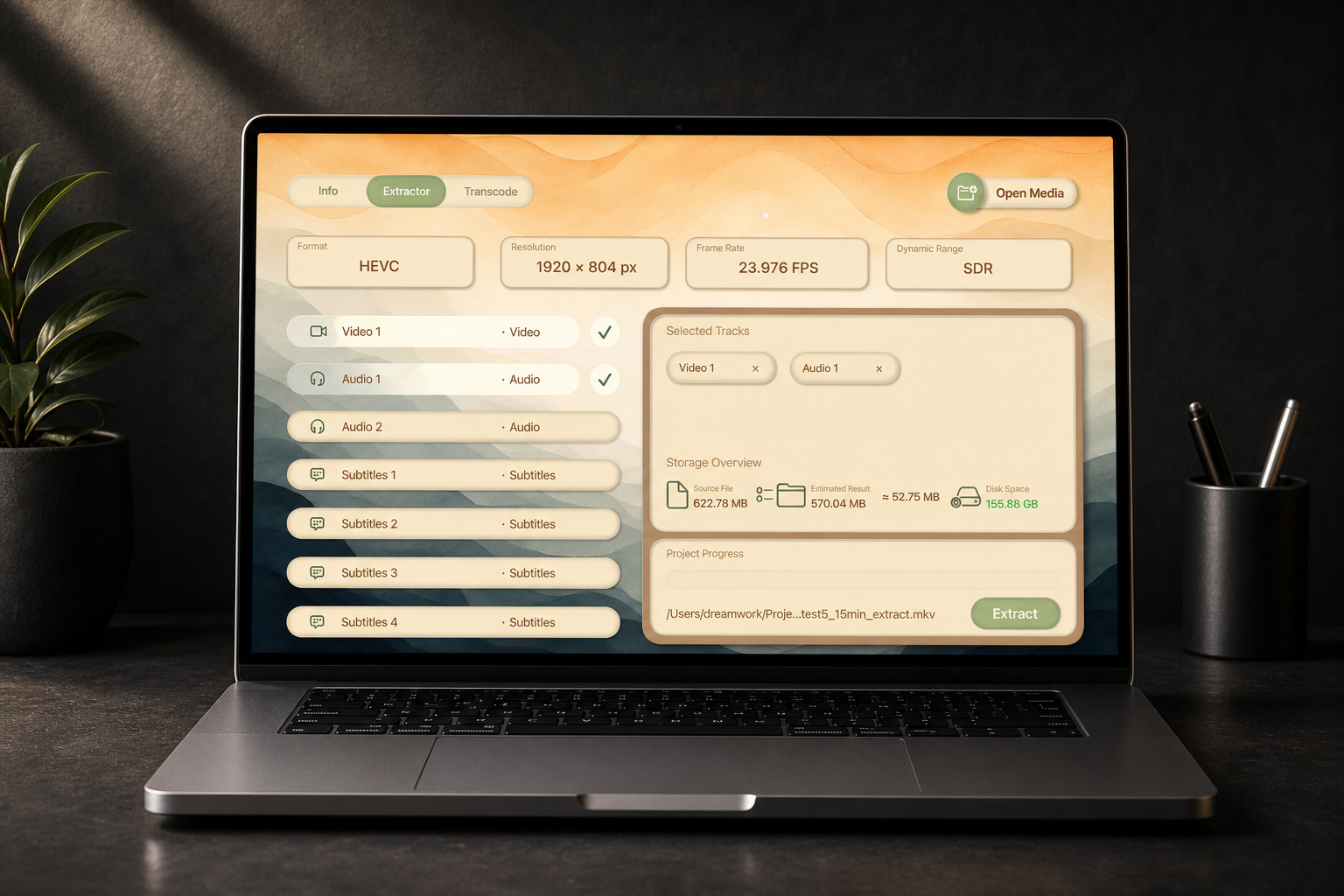
02
Export audio, subtitles, attachments, or selected tracks without opening another tool.
03
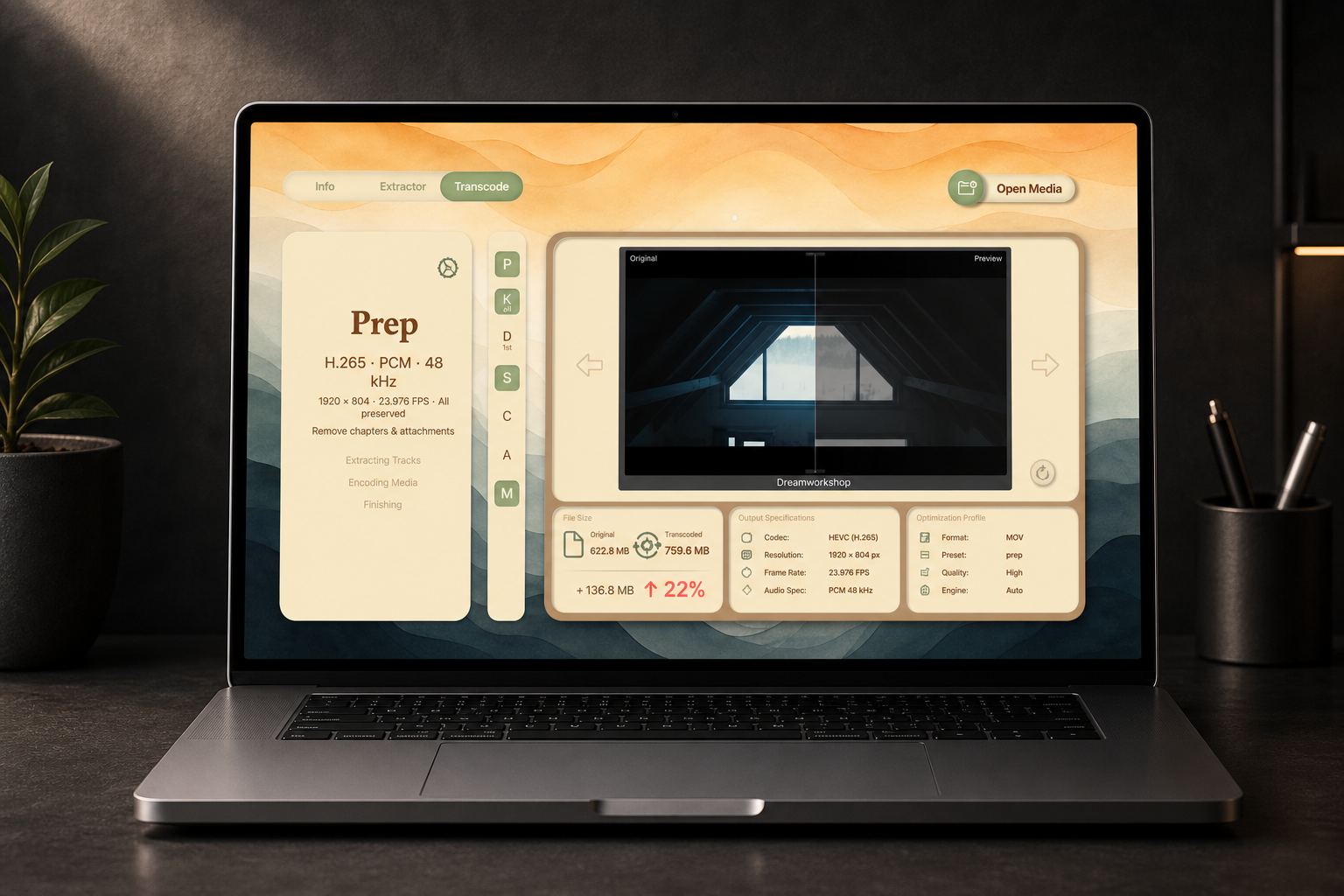
Use creator-friendly presets while keeping advanced FFmpeg control when needed.
04
Process repeated jobs locally with one visual queue.

FAQ / Contact / Legal
Support: [email protected]
DreamWorkshop uses FFmpeg. FFmpeg is a trademark of its respective owners and is licensed under its own open-source terms. Third-party notices will be provided with the app.
Yes. Core features run locally.
Yes, hardware acceleration is supported where available.
Yes. DreamWorkshop is available for macOS now. You can download the Mac version directly from this site. If you prefer Apple billing and updates, the Mac App Store version is also available where supported.